
Asana Review 2026: Is It Worth It for Your Team?
Project management software has become an essential part of modern business operations, and Asana continues to be one of the most recognized platforms in this space. Founded in 2008 by former Facebook executives Dustin Moskovitz and Justin Rosenstein, Asana was designed to help teams organize work, improve collaboration, and reduce workplace inefficiencies. Today, millions of users worldwide rely on Asana to manage projects, track tasks, automate workflows, and coordinate teams across multiple departments. Whether you’re a freelancer, startup founder, marketing manager, or enterprise leader, Asana offers a flexible work management solution that adapts to different business needs and team structures.
What Is Asana?
Asana is a cloud-based work management and project collaboration platform that helps individuals and teams organize, assign, track, and complete work efficiently. Unlike traditional task management tools, Asana combines project planning, workflow automation, collaboration features, reporting tools, and AI-powered productivity capabilities within a single platform. Users can create projects using multiple views, including lists, boards, timelines, and calendars, making it suitable for both simple task management and complex business operations. In 2026, Asana has evolved beyond a traditional project management tool by introducing AI-driven workflow automation and intelligent project assistance features designed to improve workplace productivity.
Getting Started with Asana

Creating an Account
Creating an Asana account is a straightforward process that takes only a few minutes. Users can sign up using an email address or integrate directly through Google or Microsoft accounts. After registration, Asana guides new users through a brief onboarding experience, helping them select team size, work type, and project goals. This personalized setup process makes the platform approachable for beginners while ensuring users quickly access the features most relevant to their workflow requirements.
💚 You might also like: Monday.com Review 2026: Our Honest Analysis and Verdict
Setting Up Your First Project
After creating an account, setting up a project in Asana is surprisingly simple. Users can start from scratch or choose from dozens of professionally designed templates for marketing campaigns, product launches, operations management, content planning, and software development. Each project can be customized with tasks, milestones, deadlines, dependencies, priorities, and team assignments. This flexibility allows organizations of all sizes to build workflows that match their existing business processes without requiring advanced technical knowledge.
Understanding the Dashboard
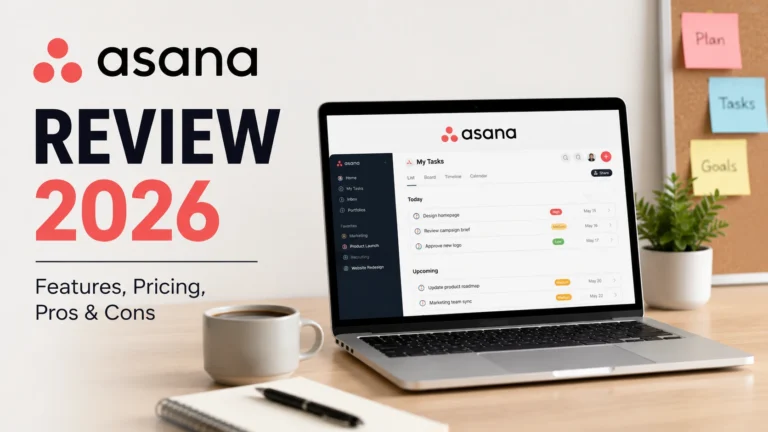
The Asana dashboard provides a centralized view of projects, assigned tasks, upcoming deadlines, team activity, and performance insights. Users can customize dashboards to display project status, workload distribution, timelines, and reporting metrics. One of Asana’s strongest advantages is its clean interface design, which reduces visual clutter while maintaining access to powerful functionality. New users can quickly understand project progress and priorities without spending significant time learning complex navigation systems.
Key Features of Asana
One of the biggest reasons Asana remains a leading project management platform in 2026 is its extensive feature set. The platform combines task management, project planning, workflow automation, reporting, goal tracking, and collaboration tools into a single workspace. Teams can organize projects using lists, boards, timelines, calendars, and portfolios, depending on their preferred workflow style. Asana also supports custom fields, task dependencies, milestones, forms, and approval workflows. According to industry reviews and user feedback, Asana performs especially well for cross-functional teams that require visibility across multiple projects without sacrificing ease of use or scalability.
User Experience and Ease of Use
Asana has built its reputation around delivering a clean, intuitive, and highly organized user experience. Unlike some project management platforms that overwhelm users with excessive customization options, Asana maintains a balance between simplicity and functionality. The interface is visually appealing, navigation is straightforward, and most users can become productive within a few hours of use. Whether you’re managing a small team project or coordinating enterprise-level operations, the platform provides a consistent experience across desktop and mobile devices, making it one of the easiest project management tools to adopt successfully.
Team Collaboration Features
Modern businesses rely heavily on collaboration, and Asana offers several tools designed to improve communication and team coordination. Team members can assign tasks, share files, mention colleagues, leave comments, and track project progress without switching between multiple applications. Real-time updates ensure everyone stays informed about deadlines and project changes. The platform also integrates with popular workplace tools such as Slack, Microsoft Teams, Google Workspace, and Zoom. This centralized collaboration approach helps reduce communication gaps and improve overall productivity across distributed and remote teams.
AI and Automation Features
Artificial intelligence has become a major focus for productivity software, and Asana has significantly expanded its AI capabilities in 2026. The company reports that while approximately 75% of knowledge workers now use AI regularly, only a small percentage of organizations achieve meaningful productivity gains, which has influenced Asana’s AI-first development strategy. Its AI features aim to bridge that gap by helping teams automate repetitive work, generate insights, and streamline project execution.
Workflow Automation
Asana’s workflow automation tools allow teams to automate repetitive tasks without requiring coding knowledge. Users can create custom rules that automatically assign tasks, update project statuses, notify team members, move work between stages, and trigger actions based on specific conditions. Unlimited automations are available on paid plans, helping organizations reduce manual work and maintain consistency across complex workflows.
AI-Powered Task Management
Asana’s AI-powered task management features help users create tasks, generate summaries, identify priorities, and organize work more efficiently. The company’s AI Teammates functionality can assist with drafting project updates, summarizing discussions, organizing information, and managing multi-step workflows. These capabilities allow teams to spend less time on administrative tasks and more time focusing on strategic work and decision-making.
Reporting and Insights
Reporting and analytics have become increasingly important for modern project management, and Asana continues to improve its intelligent reporting features. Users can create dashboards, monitor team performance, track project progress, and generate actionable insights using both traditional reporting tools and AI-generated summaries. Advanced plans also include portfolio reporting and workload analysis, providing managers with a comprehensive overview of organizational performance and resource allocation.
Asana Pricing Plans
Asana offers multiple pricing plans designed to accommodate everyone from individual users to large enterprises. The free Personal plan provides essential task management features for small teams, while paid plans unlock advanced functionality such as workflow automation, reporting, timelines, goals, and AI-powered tools. As of 2026, the Starter plan begins at approximately $10.99 per user per month when billed annually, while the Advanced plan starts around $24.99 per user per month and includes portfolio management, advanced reporting, workload tracking, and AI Studio capabilities. Enterprise plans offer additional security, administration, and compliance features for larger organizations.
| Plan | Best For | Starting Price* | Key Features |
|---|
| Personal | Individuals and small teams | Free | Basic task management, list/board/calendar views, project collaboration, mobile apps, status updates |
| Starter | Growing teams | $10.99/user/month (billed annually) | Timeline view, workflow builder, forms, custom fields, project templates, reporting dashboards |
| Advanced | Businesses managing multiple projects | $24.99/user/month (billed annually) | Portfolios, goals, workload management, advanced reporting, time tracking, AI Studio features |
| Enterprise | Large organizations | Custom Pricing | Advanced security controls, admin tools, compliance features, enterprise integrations, premium support |
| Enterprise+ | Global enterprises | Custom Pricing | Enhanced security, data governance, audit controls, advanced administration, enterprise-grade support |
Pros and Cons of Asana
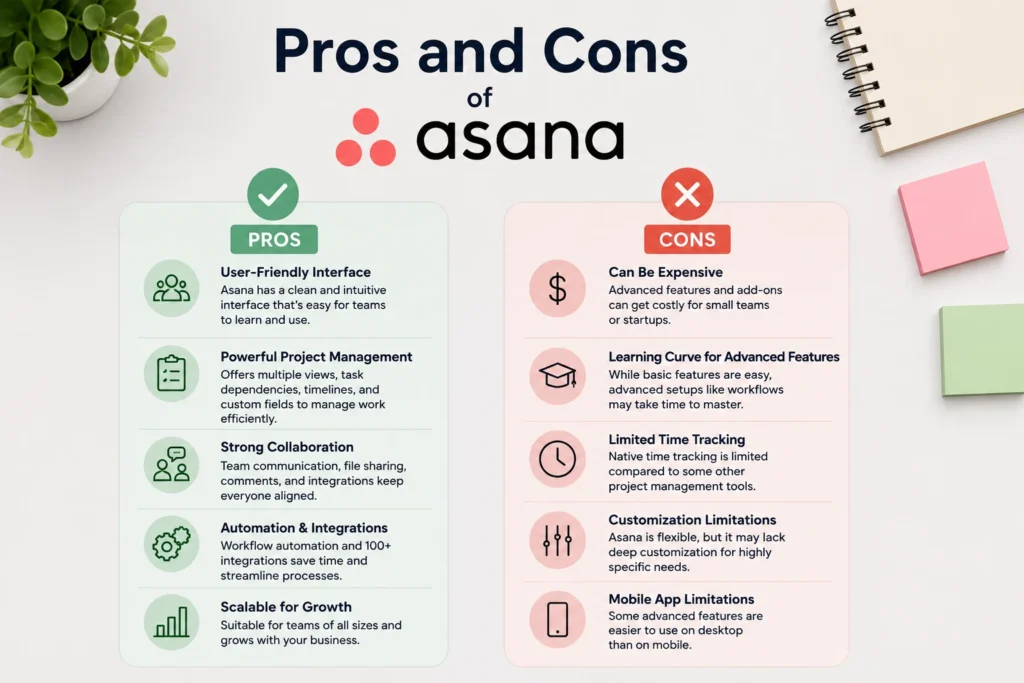
Choosing the right project management software requires understanding both its strengths and limitations. Asana continues to rank among the industry’s top project management platforms because of its balance between usability and advanced functionality. However, like any software solution, it may not fit every organization or workflow. Teams looking for extensive customization, strong collaboration features, and reliable project tracking often find Asana highly effective. On the other hand, smaller teams or users seeking a lightweight project management solution may find certain features unnecessary or expensive as their organization grows.
💚 You might also like: Best AI Presentation Makers in 2026: Top Tools Compared
Key Advantages
Asana offers several advantages that have contributed to its popularity among businesses worldwide. Its clean user interface, flexible project views, powerful workflow automation, extensive integration ecosystem, and growing AI capabilities make it an attractive solution for teams of all sizes. The platform also provides excellent scalability, allowing organizations to expand their workflows without switching to another project management system.
Main Disadvantages
Despite its strengths, Asana does have certain limitations. Advanced features can become expensive for growing teams, and some users report a learning curve when configuring complex workflows and automations. Additionally, native time tracking and resource management capabilities remain less comprehensive than some specialized project management competitors available in the market today.
Who Should Use Asana
Asana is best suited for marketing teams, operations departments, project managers, agencies, remote teams, and organizations managing multiple projects simultaneously. Businesses requiring strong collaboration, workflow visibility, reporting, and process automation will benefit most from the platform. Enterprise organizations with cross-functional teams may find Asana particularly valuable due to its scalability and administrative controls.
Why Should You Choose Asana?
Asana remains one of the strongest project management solutions available in 2026 because it successfully balances simplicity, flexibility, and enterprise-level functionality. Unlike many competitors that focus exclusively on either ease of use or advanced customization, Asana delivers both. Its growing investment in artificial intelligence, workflow automation, reporting, and collaboration tools demonstrates the company’s long-term commitment to workplace productivity. For organizations seeking a reliable platform capable of supporting both current operations and future growth, Asana continues to represent a compelling choice in an increasingly competitive project management software market.
Easy-to-Use Interface
One of Asana’s greatest strengths is its intuitive interface design. New users can quickly understand project structures, task management workflows, and collaboration tools without requiring extensive training. The platform’s visual organization and consistent user experience significantly reduce adoption barriers for both individuals and teams.
Powerful Project Management Features
Asana provides an extensive collection of project management features, including multiple project views, task dependencies, milestones, portfolios, goals, reporting dashboards, and workflow automation. These capabilities allow businesses to manage everything from simple task lists to complex, multi-department initiatives within a single platform.
Strong Collaboration Tools
Collaboration remains a core strength of Asana. Team members can communicate, share files, assign responsibilities, monitor progress, and track project updates without relying heavily on external communication tools. This centralized approach improves transparency and helps teams remain aligned throughout the project lifecycle.
Frequently Asked Questions (FAQs)
Is Asana free to use?
Yes, Asana offers a free Personal plan that includes basic task management, project views, and collaboration tools. However, advanced features like automation, reporting, and AI capabilities require a paid subscription.
Is Asana good for small businesses?
Yes, Asana is an excellent choice for small businesses that need project organization, team collaboration, and workflow management. Its scalable plans also allow businesses to grow without switching platforms.
Does Asana offer AI features?
Yes, Asana includes several AI-powered features in 2026, such as task summaries, workflow automation, smart recommendations, and AI-assisted project management tools.
Is Asana easy to learn for beginners?
Yes, Asana has a user-friendly interface and a simple onboarding process. Most new users can understand the core features and start managing projects within a few hours.
Can Asana be used for remote teams?
Absolutely. Asana provides collaboration tools, real-time updates, file sharing, and integrations that make it highly effective for remote and distributed teams.
Does Asana integrate with other tools?
Yes, Asana integrates with hundreds of popular applications, including Slack, Google Workspace, Microsoft Teams, Zoom, and many third-party productivity tools.
Conclusion
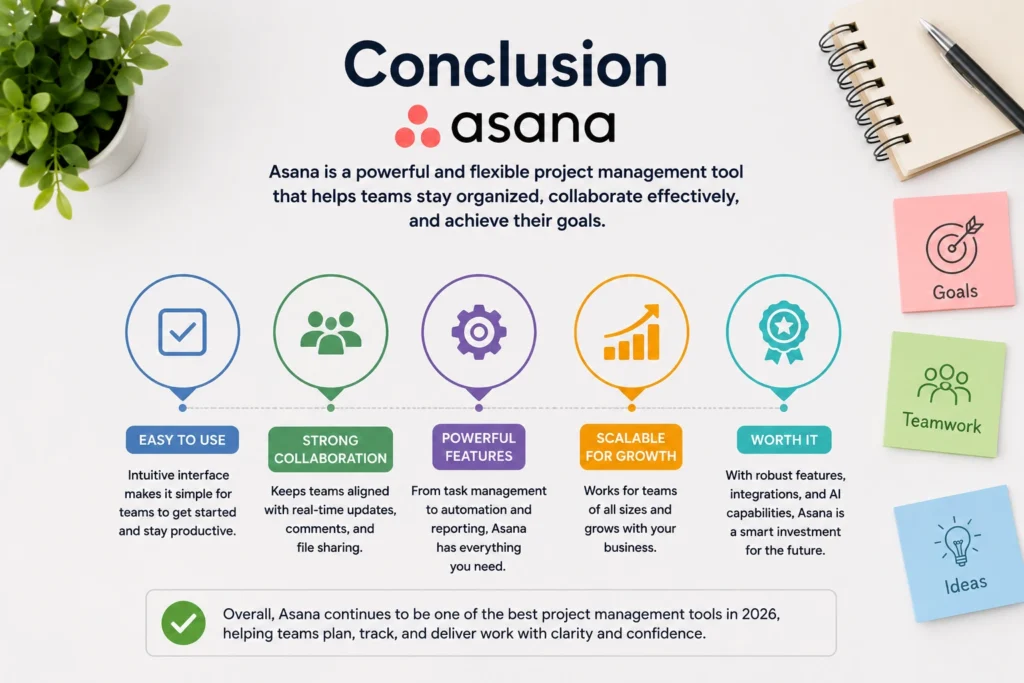
After evaluating its features, pricing, usability, automation capabilities, and AI enhancements, Asana remains one of the best project management platforms available in 2026. While it may not be the ideal solution for every business, particularly very small teams seeking simplicity above all else, it offers exceptional value for organizations that require scalability, collaboration, and workflow management. Its continued investment in AI-powered productivity tools and enterprise features positions Asana as a future-ready platform capable of supporting businesses as they grow and evolve. For most professional teams, Asana remains a worthwhile investment.
✨ Want bite-sized tech wisdom? Follow Tech Baaz.