
Best Cloud Storage Services: Top Picks & Comparison
Cloud storage has become one of the simplest ways to keep important files available without filling your phone or computer. Whether you need a place for family photos, work documents, project files, or backups, the right service can make everyday file management much easier. But the best cloud storage is not automatically the one with the most gigabytes. Security, syncing, sharing, device support, pricing, and ease of use all matter. In this guide, we compare leading options and explain what to look for so you can choose confidently without paying for features you will never use.
What Is Cloud Storage?
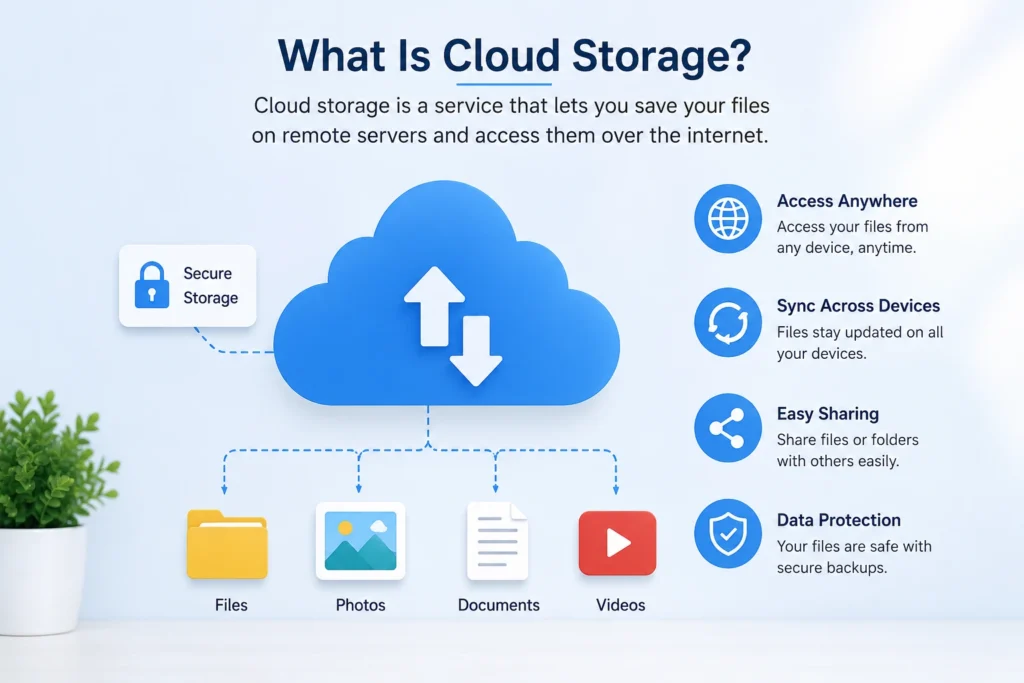
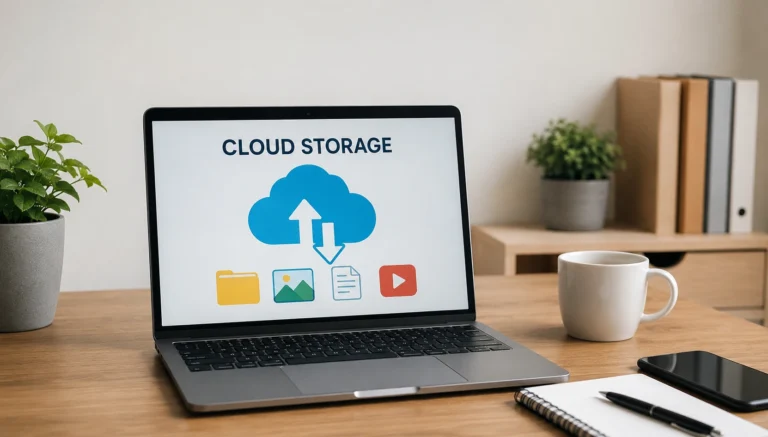
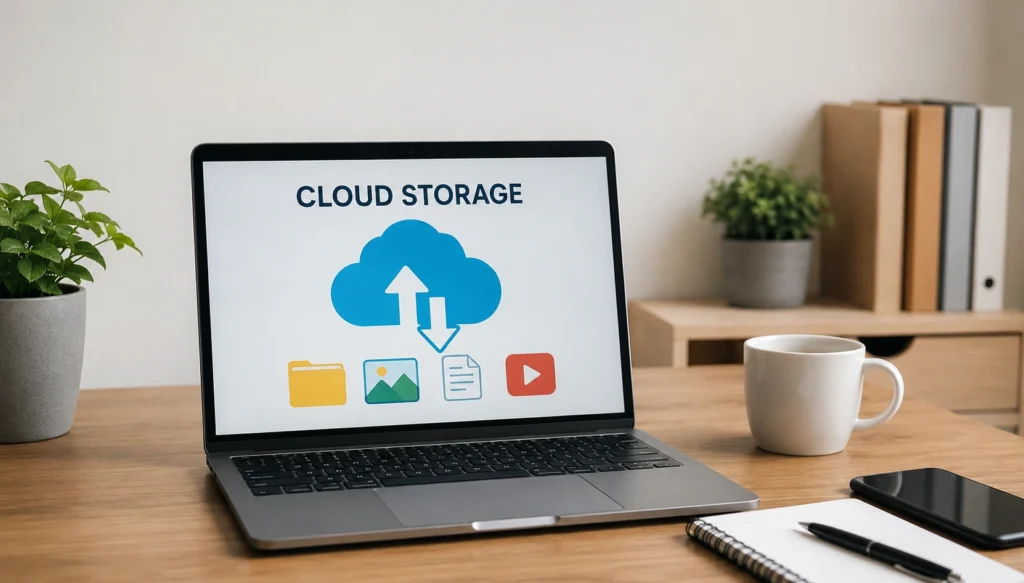
Cloud storage is an online service that lets you save files on remote servers rather than keeping everything on your device. When you upload a document, photo, or video, the provider stores it in its data centers and makes it available through an app or browser. Many services synchronize files across devices, so edits made on your phone can appear on your computer. It can also simplify sharing because you can send a link instead of a large attachment. However, storage and syncing are not the same as a complete backup, so choose features carefully.
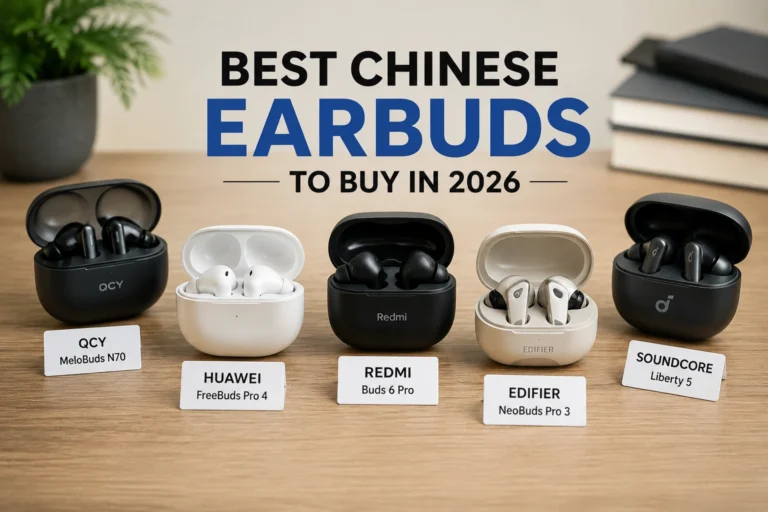
💚 You might also like: Best Chinese Earbuds in 2026: Top Picks & Guide
Why Use Cloud Storage?
Cloud storage can solve several everyday problems together. It gives you extra space when local storage starts running low, keeps files accessible across devices, and makes sharing folders or documents much simpler. It can also reduce your dependence on a single physical drive, which may fail, become damaged, or be lost. Modern services often add useful features such as file version history, automatic photo uploads, collaboration tools, and recovery options. The right choice depends on how you work. A student, photographer, family, and business may need very different storage limits, security controls, and collaboration features.
Best Cloud Storage Services
No single cloud storage service is perfect for everyone. Google Drive is useful for people who already use Google Workspace, while Dropbox is known for straightforward file syncing and sharing. OneDrive fits naturally into Windows and Microsoft 365 workflows, while iCloud is a convenient choice for people who use Apple devices. pCloud is another strong choice for users who want flexible storage and media-friendly features. In the sections below, we will look at what makes each service useful, where it falls short, and which type of user is most likely to benefit from it today.
Google Drive
Google Drive works especially well for people who use Gmail, Google Docs, Sheets, and other Google services. Its collaboration features make it easy for multiple people to work on files together, while its broad device support keeps documents accessible anywhere. This makes it practical for students, families, and small teams that want storage and productivity tools in one ecosystem.
Dropbox
Dropbox remains popular because its interface is simple and its file-syncing and sharing features are easy to understand. It can be useful for individuals and remote teams that regularly exchange large work files or collaborate across devices. If straightforward organization and dependable sharing matter more to you than having the biggest free storage allowance, Dropbox is worth considering.
Microsoft OneDrive
OneDrive is a strong fit for Windows users and people who already rely on Microsoft 365. Its integration with Microsoft productivity apps can make saving, opening, and sharing work files feel seamless. It also supports security features, including Personal Vault for sensitive files and documents. For students and professionals already invested in Microsoft’s ecosystem at work, that integration can add value.
Apple iCloud
iCloud is designed around the Apple ecosystem, making it convenient for people who use an iPhone, iPad, or Mac. Photos, documents, and other data can stay synchronized across Apple devices at home and work with little effort. It may be less attractive for users who regularly work across multiple platforms, but Apple households can benefit from its simple, built-in experience for Apple users daily.
pCloud
pCloud stands out for flexible storage options and plans aimed at personal users and media. It supports major desktop and mobile platforms and offers tools for automatic backups and file access. Its privacy features may also appeal to users who want more control over sensitive files. It is worth comparing its plans carefully before choosing a long-term plan. 01net currently lists pCloud among its leading 2026 cloud storage choices, highlighting its storage range, transfer speeds, and security features.
Best Cloud Storage Services Compared
Choosing between cloud storage providers becomes much easier when you compare the features that actually affect daily use. Google Drive stands out for collaboration and its connection with Gmail, Docs, Sheets, and Photos. OneDrive is particularly useful for Windows and Microsoft 365 users, while Dropbox remains focused on smooth file syncing and sharing. iCloud is the natural choice for Apple users who want files and photos to move between devices automatically. pCloud offers another approach, with flexible storage options and privacy-focused features. Your existing devices and apps should play a major role in the final decision.
| Cloud Storage Service | Free Storage | Best For | Key Feature | Security | Platform Support |
| Google Drive | 15 GB | Personal & Collaboration | Google Workspace integration | Strong | Windows, Mac, Android, iOS |
| Dropbox | 2 GB | File Sharing | Easy syncing and sharing | Strong | Windows, Mac, Android, iOS |
| Microsoft OneDrive | 5 GB | Windows & Microsoft 365 | Microsoft 365 integration | Strong | Windows, Mac, Android, iOS |
| Apple iCloud | 5 GB | Apple Users | Seamless Apple integration | Strong | iPhone, iPad, Mac, Windows |
| pCloud | Up to 10 GB | Personal Storage | Flexible plans and privacy features | Strong | Windows, Mac, Android, iOS |
Best Cloud Storage for Different Users
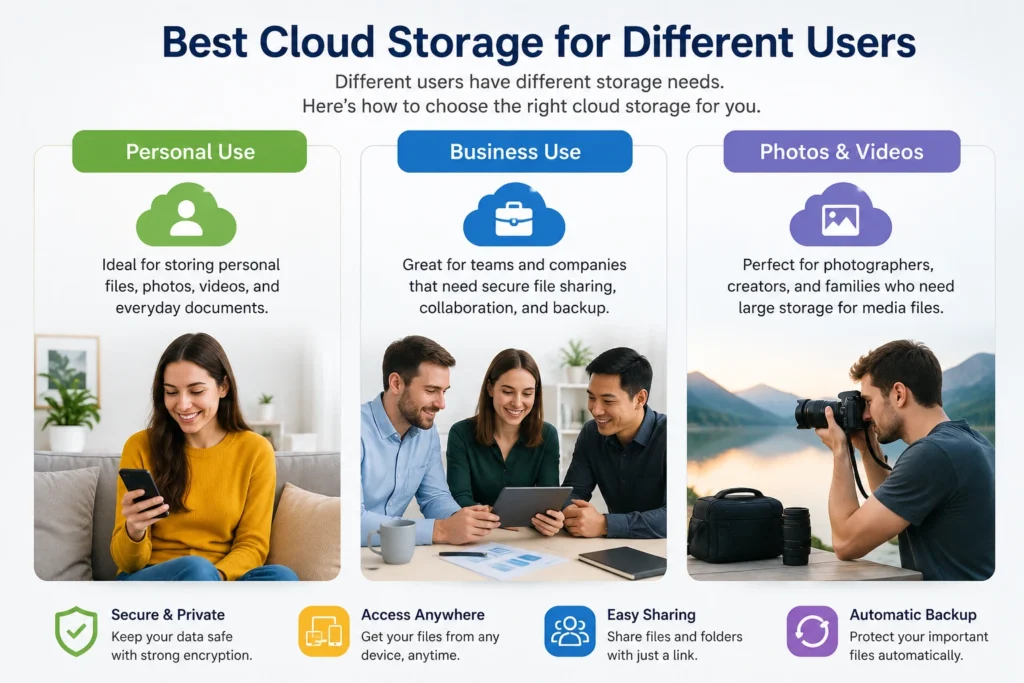
The best service depends less on the brand name and more on how you plan to use it. Someone storing school documents does not need the same features as a photographer handling hundreds of gigabytes of media. Likewise, a small business may prioritize team permissions and collaboration, while a family may care more about photo storage and simple sharing. Looking at your actual workflow first can prevent you from paying for unnecessary storage or choosing a service that becomes frustrating later. This use-case approach is also reflected in major cloud storage comparisons.
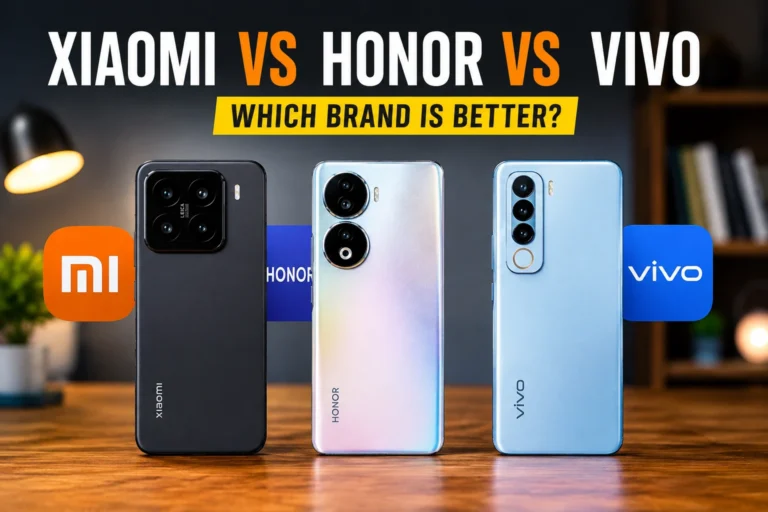
💚 You might also like: Xiaomi vs Honor vs Vivo: Which Is Better?
Best for Personal Use
For everyday personal storage, Google Drive is a strong all-around option because it combines file storage with familiar productivity tools. OneDrive is another practical choice for people using Windows or Microsoft 365, while iCloud works especially well across Apple devices. If privacy or long-term storage flexibility is a bigger priority, services such as pCloud or other privacy-focused providers may deserve a closer look.
Best for Business
Businesses usually need more than storage space. They need reliable synchronization, controlled file sharing, collaboration, permissions, and easy access across devices. Google Drive and OneDrive are particularly useful when teams already work with Google Workspace or Microsoft 365. Dropbox is also worth considering when straightforward file synchronization and collaboration are central to the workflow. The right choice should fit the software your team already uses.
Best for Photos and Videos
Large media libraries can consume local storage surprisingly quickly, making cloud storage useful for photographers, creators, and families. Google Drive works well alongside Google Photos, while iCloud is particularly convenient for people taking photos and videos with Apple devices. pCloud is another option for users who want dedicated online space for large media collections. Before uploading a large library, check storage limits, upload speeds, file-size restrictions, and how easily you can download your files later.
Best Free Cloud Storage Services
Free cloud storage is a useful starting point, especially if you only need to save documents or a modest collection of photos. Google Drive currently offers up to 15 GB of storage with a Google account, although that space is shared across services such as Drive, Gmail, and Google Photos. OneDrive provides 5 GB, while Dropbox offers 2 GB. Other providers can advertise larger free allowances, but promotional limits, bandwidth restrictions, or other conditions can make headline numbers less useful than they first appear. Always check what is permanently included before choosing a provider based on free storage alone.
Cloud Storage Security and Privacy
Security should be near the top of your checklist when choosing a cloud storage service. Look for encryption during data transfer and while files are stored, strong account protection, secure sharing controls, and options such as two-factor authentication. Privacy is another consideration because providers differ in how they handle encryption and access to stored data. Some privacy-focused services offer zero-knowledge or client-side encryption, which can reduce the provider’s ability to access the contents of your files. Still, no service removes every risk, so your account security and sharing habits matter too.
How Much Cloud Storage Do You Need?
The amount of storage you need depends on what you plan to keep online. For documents, spreadsheets, PDFs, and ordinary work files, a small plan may be enough for years. Photos require more space, while high-resolution video can consume hundreds of gigabytes surprisingly quickly. A good approach is to check how much local storage you currently use and estimate how quickly that collection grows. Also leave some room for future files rather than buying a plan that reaches its limit shortly after you start using it. That makes your storage subscription easier to manage over time.
How to Choose the Best Cloud Storage
Choosing the best cloud storage service starts with your actual needs rather than the biggest storage number. Check how much space you need, which devices you use, and whether you regularly share files with others. Then compare syncing, file recovery, collaboration, security, privacy, and pricing. It is also smart to check what happens when you cancel a subscription and how easily you can download your data. Independent 2026 comparisons commonly evaluate services across security, performance, features, usability, and cost, showing why there is no single winner for every user.
Frequently Asked Questions
What is the best cloud storage service?
There is no universal winner. Google Drive is a strong all-around option, OneDrive suits Microsoft users, iCloud works naturally with Apple devices, and pCloud can appeal to people seeking flexible storage and privacy features.
Which cloud storage offers the most free storage?
Google provides up to 15 GB of free cloud storage, shared across Google Drive, Gmail, and Google Photos. Microsoft provides 5 GB of free cloud storage through OneDrive, so storage limits should be checked before choosing a service.
What is the safest cloud storage service?
Security depends on encryption, account protection, privacy architecture, and how the provider handles your data. Privacy-focused services that support end-to-end or zero-knowledge encryption can be especially attractive for sensitive files.
Is paid cloud storage worth it?
Paid storage can be worthwhile when free space is no longer enough or you need advanced sharing, collaboration, security, or backup features. For occasional file storage, however, a free plan may be perfectly adequate.
Conclusion
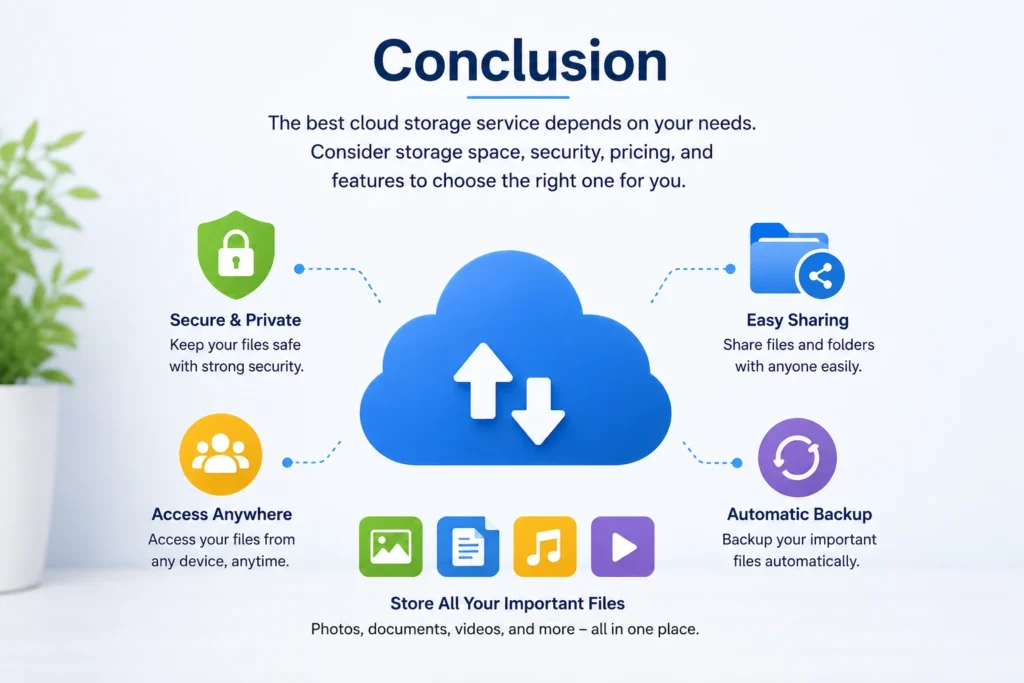
The best cloud storage service is the one that fits your devices, budget, storage needs, and daily workflow. Google Drive is a convenient choice for people who rely on Google services, while OneDrive makes particular sense for Windows and Microsoft 365 users. Apple users can benefit from iCloud’s built-in ecosystem integration, while Dropbox remains useful for straightforward file syncing and sharing. Privacy-focused users may prefer specialized providers. Before subscribing, compare storage limits, security, file recovery, sharing tools, and long-term cost. A little research now can save you money and frustration later.
✨ Want bite-sized tech wisdom? Follow Techbaaz