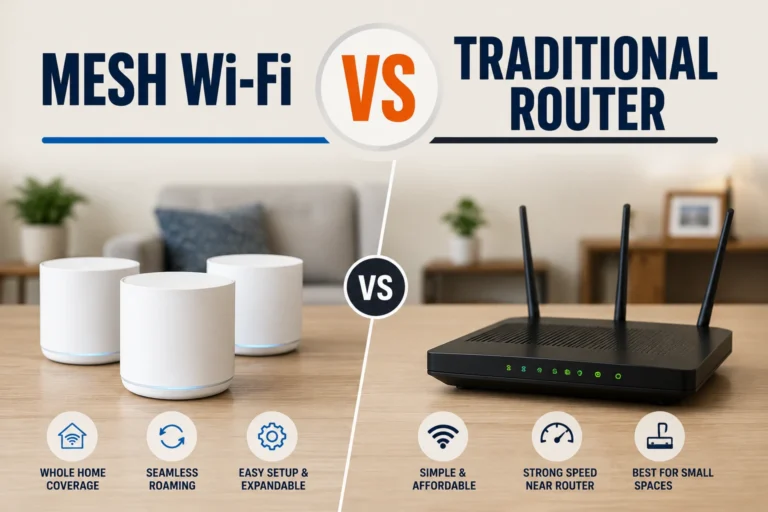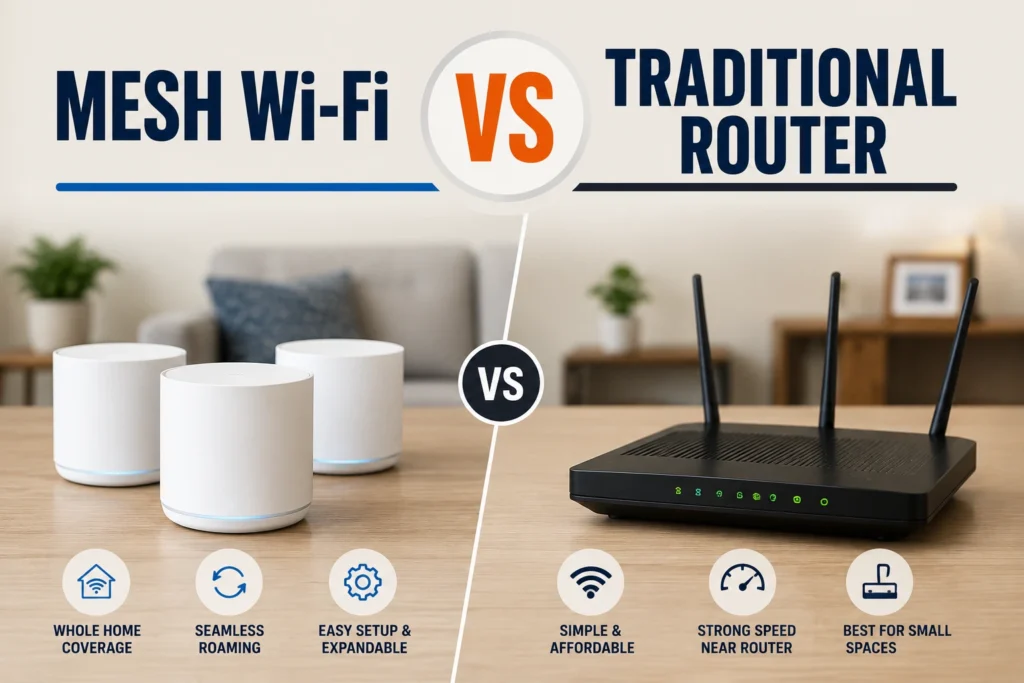

Mesh Wi-Fi vs Traditional Router: Which Is Better?
Choosing between mesh Wi-Fi and a traditional router can feel confusing, especially when both promise fast, reliable home internet. The real difference is not simply speed. It comes down to how Wi-Fi is distributed, how well the network handles distance, and how easily coverage can expand. In this guide, we’ll compare mesh Wi-Fi and traditional routers in practical terms, from browsing and streaming to gaming, smart-home devices, setup, cost, and security. We’ll also explain which option makes sense for a small apartment, a large house, or a home with stubborn dead zones.
What Is a Traditional Wi-Fi Router?
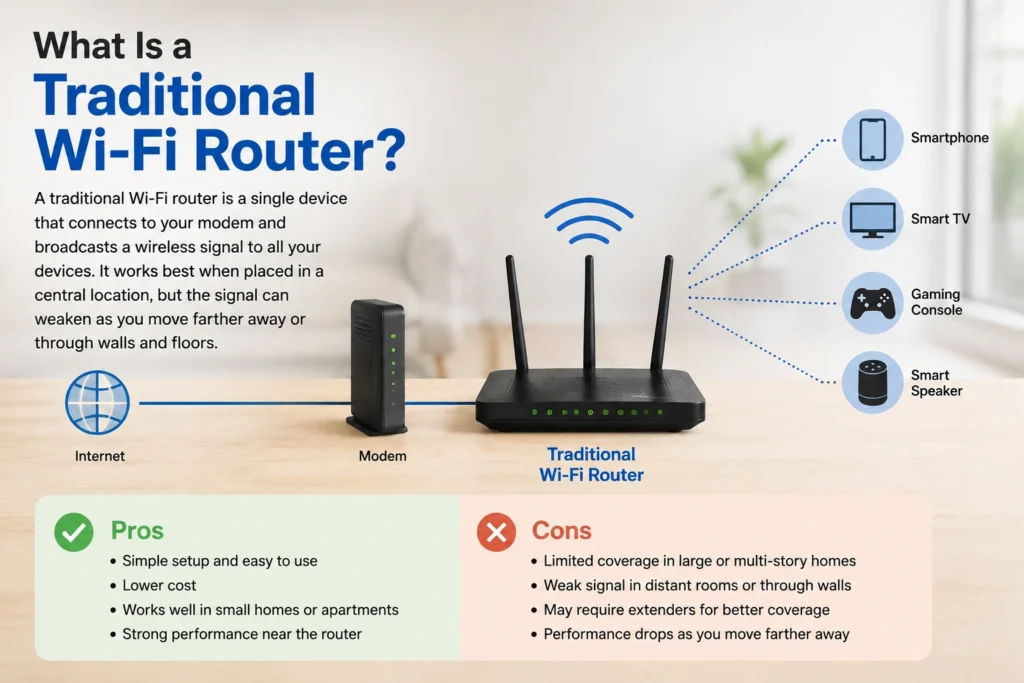
A traditional Wi-Fi router is a single networking device that connects to your modem or gateway and broadcasts a wireless signal throughout your home. Phones, TVs, computers, and smart devices connect directly to that router. This setup is straightforward and often works well when the router sits centrally, and the home is not too large. However, Wi-Fi performance can decline as distance increases or signals pass through walls and floors. Ofcom notes that the wireless link inside the home can become a performance bottleneck as broadband speeds rise, making router placement and Wi-Fi quality increasingly important for everyday users.
💚 You might also like: Why China Leads Global Electronics Manufacturing
How Does a Router Work?
A traditional router receives your internet connection from the modem and turns it into a wireless network. It broadcasts Wi-Fi from one central location, while Ethernet ports provide wired connections for devices that need stable speeds. As you move farther away, signal strength generally falls, especially through dense walls. This single-router design keeps networking simple, but coverage depends heavily on the router’s position and your home’s layout.
Key Router Features
Modern traditional routers can include dual- or tri-band Wi-Fi, Ethernet ports, parental controls, guest networks, automatic updates, and security standards such as WPA3. Higher-end models may support Wi-Fi 6, Wi-Fi 6E, or Wi-Fi 7. These features can deliver strong performance, but specifications alone do not guarantee good coverage. Home size, construction, interference, device location, and your internet plan all affect the experience.
Router Pros and Cons
The biggest advantage of a traditional router is simplicity: one device, one network, and usually a lower upfront cost. It can also deliver excellent speeds when devices are close to the router. The main drawback becomes noticeable in larger or multi-level homes, where rooms farther from the router may have weaker coverage. Wi-Fi extenders can improve the signal, but they may require additional setup and offer less seamless roaming than a dedicated mesh system.
What Is Mesh Wi-Fi?
Mesh Wi-Fi uses multiple connected devices, usually a main router and one or more additional nodes, to spread wireless coverage across a home. Instead of relying on one signal source, the system creates a coordinated network with several access points. Google describes mesh Wi-Fi as multiple connectivity devices working as one network, allowing coverage to be extended by adding points where needed. This design is especially useful when walls, floors, distance, or unusual layouts make a single router struggle. The goal is not automatically higher internet speed, but more consistent Wi-Fi coverage throughout the home.
How Does Mesh Wi-Fi Work?
Mesh nodes work together to distribute Wi-Fi across different areas of the home. The primary unit connects to the modem, while additional nodes communicate with it or with other nodes, depending on the system. Some use wireless backhaul, while others support Ethernet backhaul for a stronger connection between nodes. Placement matters: nodes should remain within useful range rather than sitting deep inside a dead zone.
How Does It Improve Coverage?
Because mesh systems place access points closer to users, they can reduce the distance devices maintain from a Wi-Fi source. That can make coverage more consistent in large homes, upstairs rooms, hallways, or difficult corners. Google notes that additional mesh points can be added for hard-to-cover areas. Still, adding more nodes is not always better; poor placement or weak links can limit performance.
How Does Device Roaming Work?
A major mesh advantage is easier movement around the home. Instead of manually switching between separate networks, compatible mesh systems are designed to keep devices connected as users move between coverage areas. The system can guide devices toward an appropriate access point, although roaming behavior depends on the hardware and client device. For families moving between rooms during calls, streaming, or browsing, that seamless experience can be convenient.
Mesh Wi-Fi vs Traditional Router: Key Differences
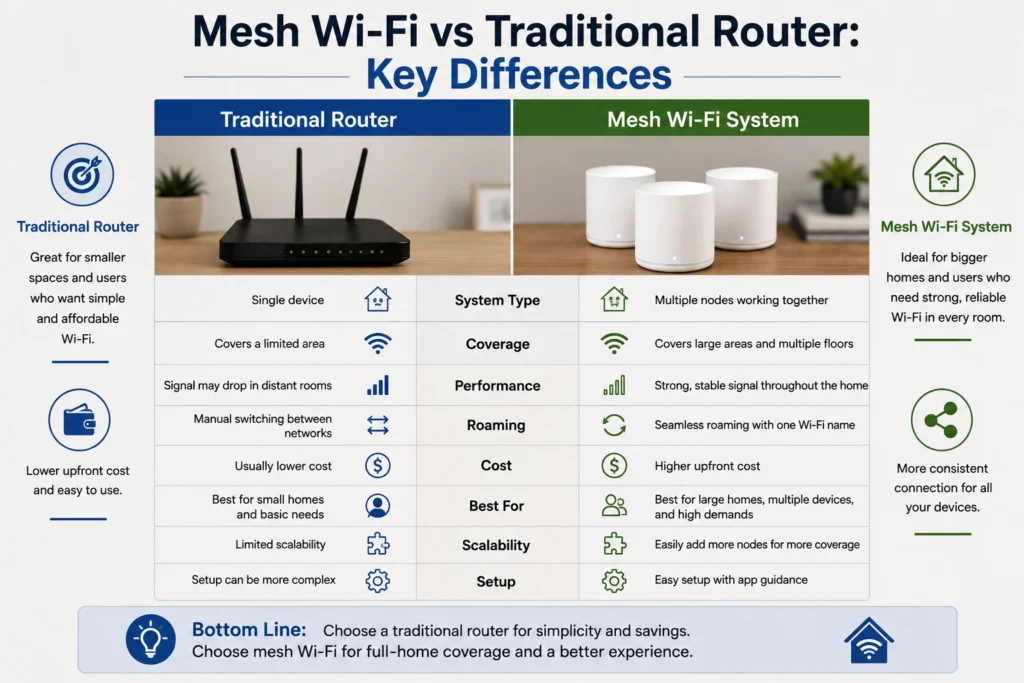
The biggest difference between mesh Wi-Fi and a traditional router is how each system distributes wireless coverage. A traditional router sends Wi-Fi from one central point, while mesh systems use multiple coordinated nodes to cover a wider area. That distinction affects range, performance, roaming, and how easily you can expand the network later. NETGEAR notes that traditional routers can work well in smaller spaces, while mesh systems are particularly useful for large, multi-story, or difficult layouts. The best choice depends on your home’s layout and coverage needs, not just the maximum speed listed on the box.
Coverage and Range
A traditional router can provide strong coverage when placed near the center of a small, open home. But distance, walls, floors, and dense building materials can weaken the signal. Mesh systems address this by placing additional nodes closer to areas that need coverage. NETGEAR specifically identifies basements, garages, attics, concrete walls, and long layouts as common challenging Wi-Fi environments.
Speed and Stability
Speed depends on more than the router’s advertised maximum. Your internet plan, device capabilities, interference, distance, and network traffic all matter. A powerful traditional router may deliver excellent performance close by, while mesh can provide more consistent connectivity across a larger home. A mesh system can also use Ethernet backhaul, which can improve communication between nodes when wired connections are available.
Devices and Expansion
Modern homes can have phones, TVs, cameras, speakers, laptops, consoles, and other connected devices online at the same time. A capable router can handle many devices, but mesh systems have an advantage when coverage needs to grow across different areas. Instead of replacing the main router simply because another room needs better coverage, compatible mesh systems can usually be expanded with additional nodes.
Mesh Wi-Fi vs Traditional Router: Coverage and Performance
Coverage is often the deciding factor in this comparison. A traditional router concentrates its wireless signal in one location, so performance can change noticeably from room to room. Mesh Wi-Fi distributes access points around the property, making it easier to maintain a usable connection in distant areas. This does not mean mesh automatically makes your internet plan faster. Instead, its main benefit is delivering the available connection more consistently where you actually use it. For homes with multiple floors, thick walls, or awkward router placement, that difference can be more valuable than peak speed alone.
| Feature | Mesh Wi-Fi | Traditional Router |
| Coverage | Better for larger areas | Best for smaller areas |
| Dead Zones | Easier to reduce | More likely in distant rooms |
| Speed | More consistent across coverage areas | Strongest near the router |
| Multi-Story Homes | Well suited | Can require extra equipment |
| Expansion | Add compatible nodes | May need extenders or another access point |
| Roaming | Designed for seamless movement | Usually less coordinated |
| Best Use | Whole-home coverage | Compact homes and apartments |
Which Is Better for Gaming, Streaming, and Smart Homes?
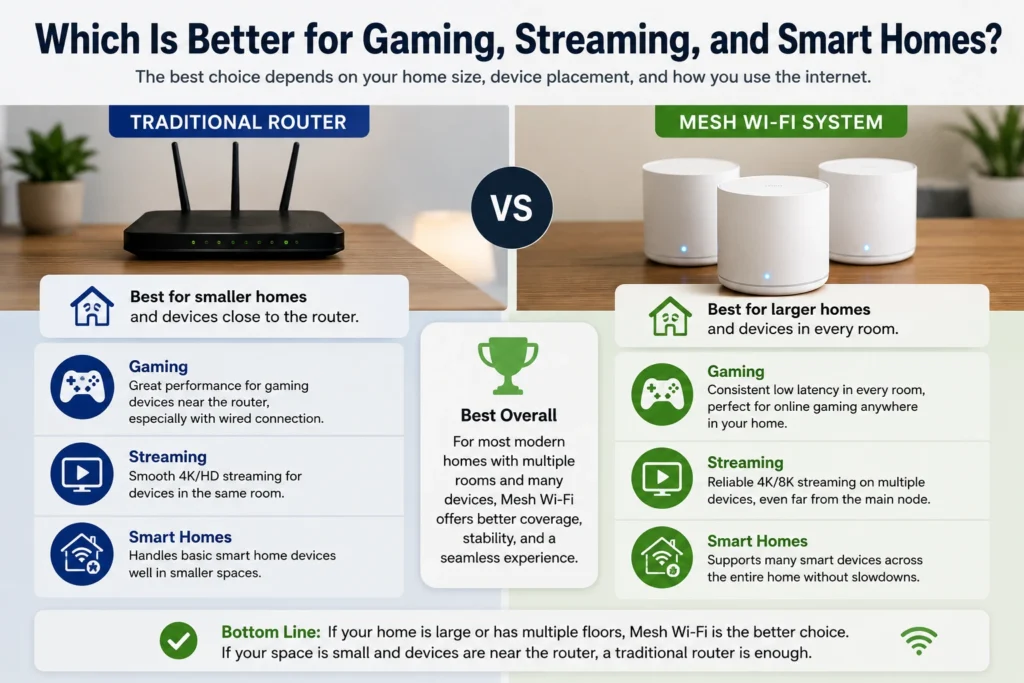
For gaming, streaming, video calls, and smart-home use, the better choice depends heavily on where your devices are located. A traditional router can be excellent for a gaming PC or console positioned close to it, particularly when using Ethernet. Mesh becomes more attractive when gaming systems, smart TVs, cameras, and other devices are spread across multiple rooms or floors. NETGEAR recommends considering the number and type of connected devices, along with demanding activities such as 4K streaming and gaming, when choosing between these setups.
💚 You might also like: Woeken Explained: Meaning, Uses & Online Popularity
Mesh Wi-Fi vs Traditional Router: Setup, Cost, and Securit
A traditional router usually has a simpler setup because there is only one main device to configure. Mesh systems add nodes, so there is more hardware to position, although modern mesh products often simplify setup through mobile apps. Cost is another important difference: a basic router can be more affordable, while mesh systems typically require a larger upfront investment. Security depends on the specific model rather than whether it is technically a router or mesh system. Look for current security standards, automatic firmware updates, guest networking, and useful parental controls when comparing products.
| Factor | Mesh Wi-Fi | Traditional Router |
| Initial Cost | Usually higher | Usually lower |
| Setup | App-guided but involves multiple units | Generally simpler |
| Expansion Cost | Add compatible nodes | May require extenders |
| Management | Centralized through system/app | Managed from one router |
| Security | Depends on model and software | Depends on model and software |
| Parental Controls | Often available on modern systems | Available on many models |
| Maintenance | Multiple units may need updates | One main device to manage |
| Long-Term Value | Strong for growing coverage needs | Strong for simple networks |
Which Is Better for Your Home?
There is no universal winner between mesh Wi-Fi and a traditional router because the right choice depends on your home’s size, layout, internet plan, and number of connected devices. A traditional router can be more than enough for a small apartment or compact home where most devices stay relatively close to the router. Mesh Wi-Fi makes more sense when you need reliable coverage across multiple rooms or floors. NETGEAR similarly recommends considering home size, construction materials, connected devices, and demanding activities before choosing a setup.
When to Choose a Traditional Router
Choose a traditional router if you live in a smaller home, have relatively few connected devices, and can place the router in a central location. It is also a sensible choice when most of your important devices are close to the router or can use Ethernet. A good modern router can provide excellent performance without the extra hardware and cost of a mesh system. For many apartments and compact single-story homes, keeping the network simple may be the smartest option.
When to Choose Mesh Wi-Fi
Mesh Wi-Fi is a better fit when your home has multiple floors, thick walls, distant rooms, or persistent dead zones. It is also useful when several people stream, game, work, and use smart-home devices throughout the house at the same time. Because mesh systems can use multiple nodes and a unified network, they are designed to provide broader coverage and easier expansion.
What to Consider Before Buying
Before buying either setup, check your internet speed, home size, floor plan, wall construction, device count, and router location. Also consider whether you can run Ethernet between rooms, because wired backhaul can improve mesh performance. Avoid choosing based only on advertised maximum speeds or coverage numbers. Your devices must support the relevant Wi-Fi standard, and real-world performance can vary considerably with distance, interference, and building materials.
Frequently Asked Questions
Is mesh Wi-Fi better than a traditional router?
Mesh Wi-Fi is better for larger homes and dead zones, while a traditional router can be ideal for smaller spaces with good coverage.
Does mesh Wi-Fi increase internet speed?
Not necessarily. Mesh Wi-Fi mainly improves coverage and connection consistency rather than increasing the speed provided by your internet plan.
Is mesh Wi-Fi good for gaming?
Yes, especially when gaming devices are far from the main router. For the lowest latency, a wired Ethernet connection is still a strong option.
Does mesh Wi-Fi work with any internet provider?
Most mesh systems work with common internet services, but compatibility and modem requirements vary by system and provider.
Is mesh Wi-Fi worth the extra cost?
It can be worth it if your home has dead zones, multiple floors, or many connected devices. Otherwise, a good traditional router may provide better value
Conclusion
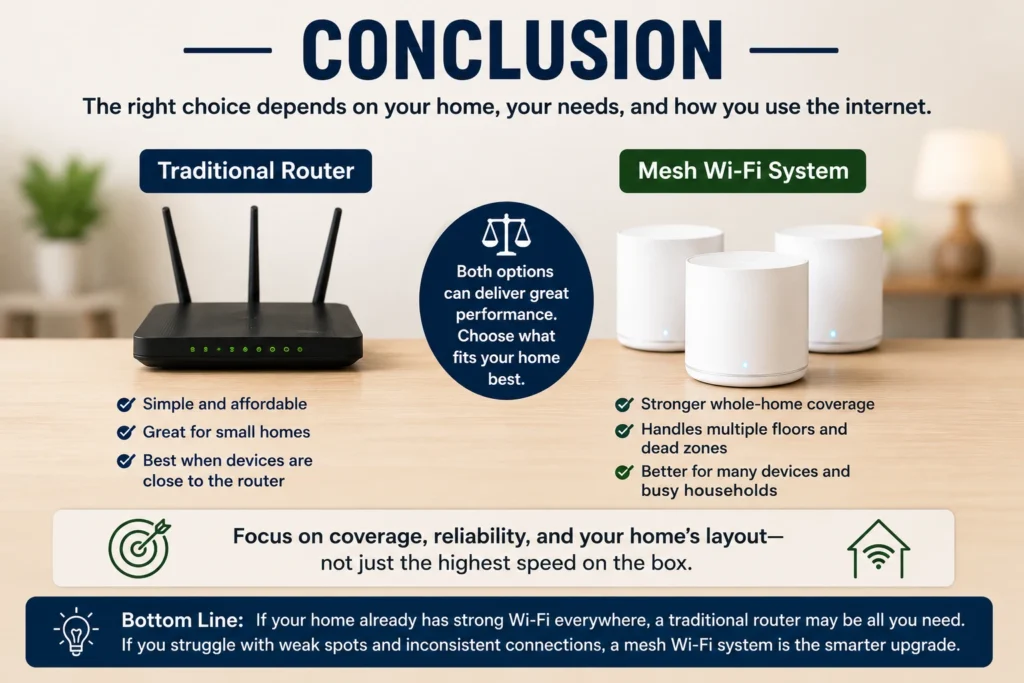
Choosing between Mesh Wi-Fi vs Traditional Router ultimately comes down to your home and how you use the internet. A traditional router is simple, affordable, and effective for smaller spaces, while mesh Wi-Fi offers broader coverage and easier expansion for larger homes. If your current router already provides reliable coverage, there may be little reason to switch. But if dead zones and weak signals are common, a mesh system can provide a more consistent whole-home connection.
✨ Want bite-sized tech wisdom? Follow Tech Baaz.