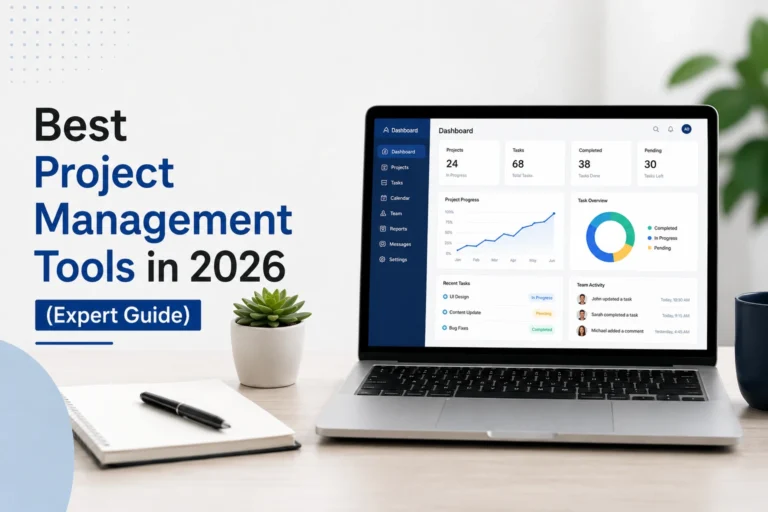
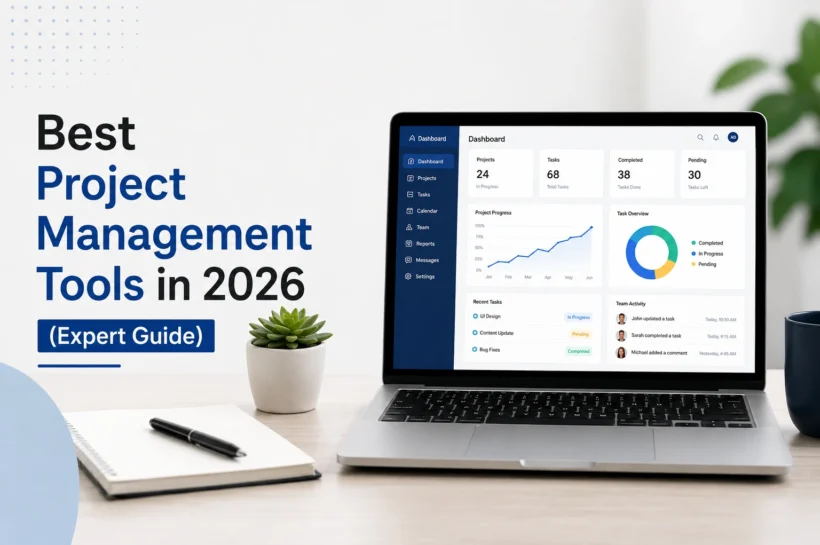

Best Project Management Tools in 2026 (Expert Guide)
Managing projects has become more challenging as teams work across different locations, use multiple applications, and handle increasingly complex workflows. A reliable project management tool brings everything together by organizing tasks, improving communication, tracking progress, and helping teams meet deadlines with confidence. Whether you run a startup, manage a marketing agency, or oversee enterprise operations, the right software can significantly improve productivity and collaboration. According to PMI’s Pulse of the Profession, organizations with mature project management practices consistently achieve better project outcomes than those without structured processes. In this guide, we’ll explore the top project management tools in 2026, compare their strengths, and help you choose the best solution for your business.
Top Project Management Tools in 2026
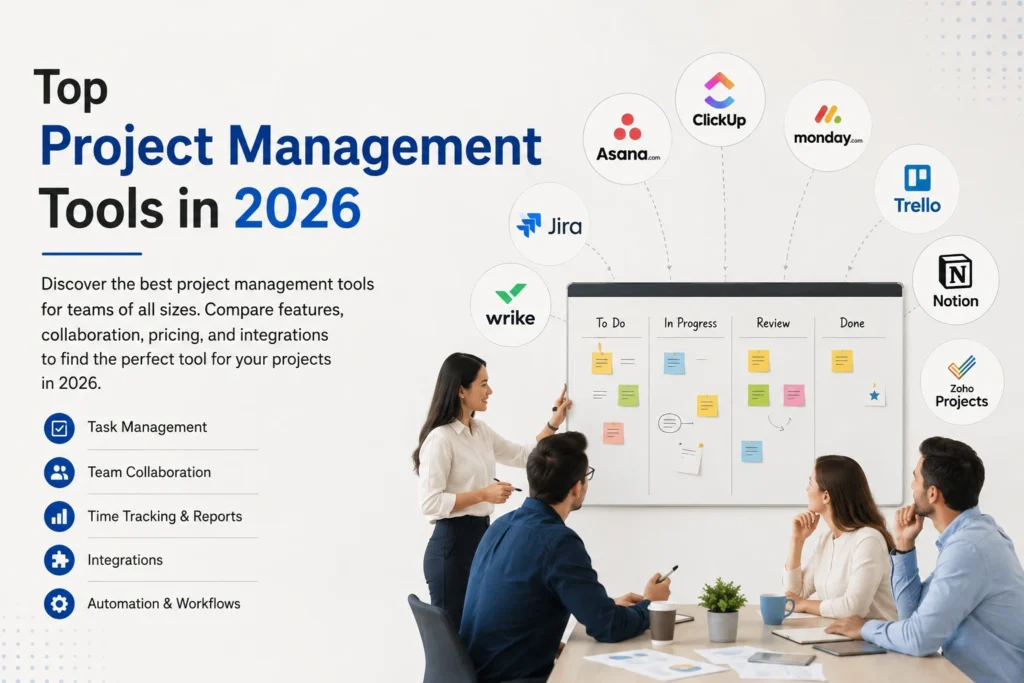
The project management software market has evolved rapidly, with modern platforms offering AI-powered automation, real-time collaboration, customizable dashboards, and seamless integrations with business applications. While many tools share similar core features, each is designed to solve different business challenges. Some focus on agile software development, while others excel at creative collaboration, resource planning, or enterprise project management. The following tools have earned their place based on usability, feature sets, scalability, pricing, customer satisfaction, and innovation, making them some of the strongest choices for businesses and teams in 2026.
💚 You might also like: Online Business vs Offline Business: Which Is Better in 2026?
ClickUp
ClickUp has established itself as one of the most versatile project management platforms available today. It combines task management, documents, goal tracking, whiteboards, dashboards, and AI-powered productivity features in a single workspace. Its flexibility makes it suitable for startups, agencies, remote teams, and enterprises looking to replace multiple business applications with one centralized solution.
Monday.com
Monday.com stands out for its intuitive interface and highly customizable workflows. Teams can easily manage projects through visual boards, automate repetitive tasks, and generate real-time reports without technical expertise. Its wide range of templates and integrations makes it an excellent option for marketing, sales, operations, HR, and cross-functional teams seeking a scalable platform.
Asana
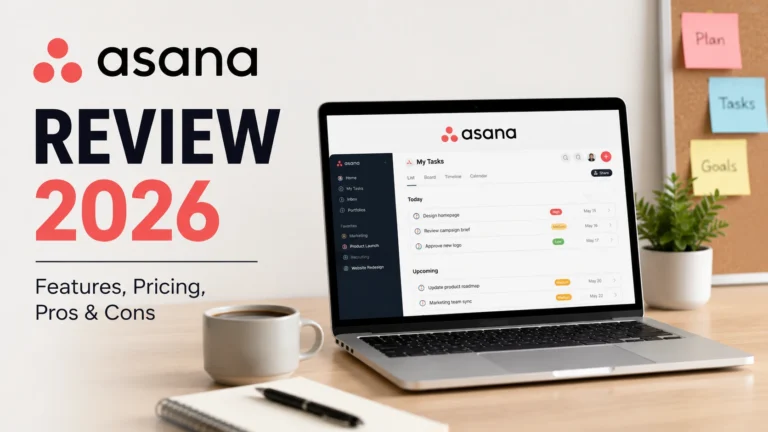
Asana remains one of the most trusted platforms for organizing projects and improving team accountability. It helps businesses streamline task assignments, automate workflows, and monitor project milestones through multiple project views, including lists, boards, calendars, and timelines. The platform is particularly popular among organizations that value structured planning and transparent collaboration.
Trello
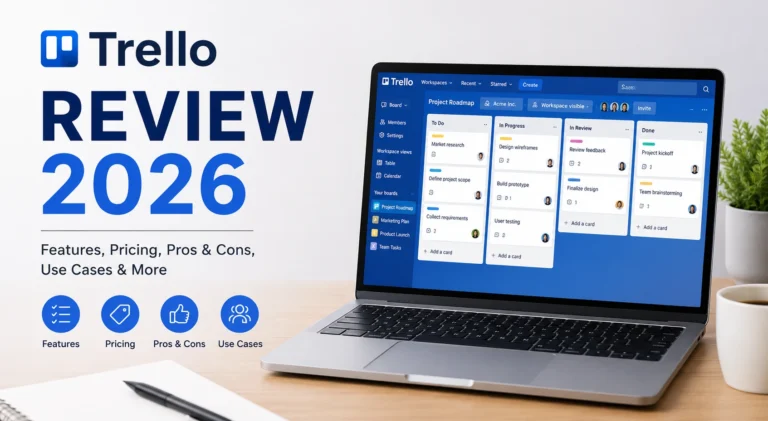
Trello is widely recognized for its simplicity and ease of use. Built around the Kanban methodology, it enables teams to organize work visually using boards, lists, and cards. Although Trello is easy enough for individuals and small businesses to use, it also offers automation, integrations, and collaboration features that help growing teams manage projects more efficiently.
Jira
Jira is the preferred project management solution for software development teams that follow Agile, Scrum, or Kanban methodologies. Developed by Atlassian, it offers advanced sprint planning, issue tracking, roadmap management, and reporting capabilities. Its extensive customization options and integration with developer tools make it ideal for engineering teams managing complex projects. Although it has a steeper learning curve than some competitors, Jira delivers exceptional flexibility and scalability for organizations focused on software development.
Wrike
Wrike is a powerful work management platform built for growing businesses and large enterprises. It provides customizable dashboards, workload management, Gantt charts, approval workflows, and real-time collaboration tools that help teams stay aligned. Wrike is especially valuable for organizations managing multiple departments or client projects simultaneously. Its advanced reporting and resource planning capabilities enable project managers to make informed decisions while maintaining visibility across every stage of a project.
Notion
Notion has evolved from a simple note-taking app into a complete workspace for project management, documentation, and knowledge sharing. Teams can create custom workflows, organize tasks, build internal wikis, and collaborate in real time from a single platform. Its flexible structure allows businesses to design workspaces that match their processes instead of adapting to rigid software. Notion is particularly popular among startups, creative professionals, and remote teams that value customization and simplicity.
Zoho Projects
Zoho Projects offers an affordable yet feature-rich solution for businesses looking to streamline project planning and execution. It includes task management, milestone tracking, time logging, automation, and detailed reporting while integrating seamlessly with the broader Zoho ecosystem. Small and medium-sized businesses often choose Zoho Projects because it balances functionality with cost-effectiveness. For companies already using Zoho applications, it creates a unified business management environment that improves productivity and collaboration.
Feature and Pricing Comparison
| Project Management Tool | Starting Price* | Free Plan | Best For | Key Features | AI Features | Top Integrations |
| ClickUp | From $7/user/month | ✅ Yes | Teams of all sizes | Tasks, Docs, Whiteboards, Dashboards, Time Tracking | AI writing, task summaries, automation | Slack, Google Drive, GitHub, Zoom, Microsoft Teams |
| Monday.com | From $9/user/month | ✅ Yes | Marketing, Operations, Sales | Visual boards, Dashboards, Automation, Workflows | AI-powered task creation and summaries | Slack, Microsoft Teams, Outlook, Salesforce |
| Asana | From $10.99/user/month | ✅ Yes | Cross-functional teams | Task management, Timeline, Goals, Workflows | AI project insights and workflow automation | Slack, Google Workspace, Zoom, Microsoft 365 |
| Trello | From $5/user/month | ✅ Yes | Individuals & Small Teams | Kanban Boards, Checklists, Power-Ups | AI-powered content assistance (Atlassian Intelligence) | Slack, Jira, Google Drive, Dropbox |
| Jira | From $8.60/user/month | ✅ Yes | Software Development | Agile Boards, Sprint Planning, Issue Tracking | Atlassian Intelligence | Bitbucket, GitHub, Confluence, Slack |
| Wrike | From $10/user/month | ✅ Yes | Enterprise Teams | Resource Management, Gantt Charts, Reporting | AI work intelligence | Adobe Creative Cloud, Microsoft Teams, Salesforce |
| Notion | From $10/user/month | ✅ Yes | Startups & Knowledge Management | Docs, Wikis, Databases, Task Management | Notion AI | Slack, GitHub, Google Drive, Zapier |
| Zoho Projects | From $4/user/month | ✅ Yes | Small & Medium Businesses | Task Management, Time Tracking, Automation | Zia AI capabilities | Zoho Apps, Microsoft 365, Google Workspace |
Best Use Cases for Project Management Tools
Project management software serves a wide range of industries and team structures. Marketing agencies use it to coordinate campaigns, software developers manage Agile sprints, consultants track client deliverables, and remote teams stay connected through centralized collaboration. Even small businesses benefit from improved task visibility and workflow automation. Understanding your team’s primary use case helps narrow your options and ensures you invest in a platform that supports your daily operations, future growth, and long-term productivity goals.
Key Benefits and Limitations
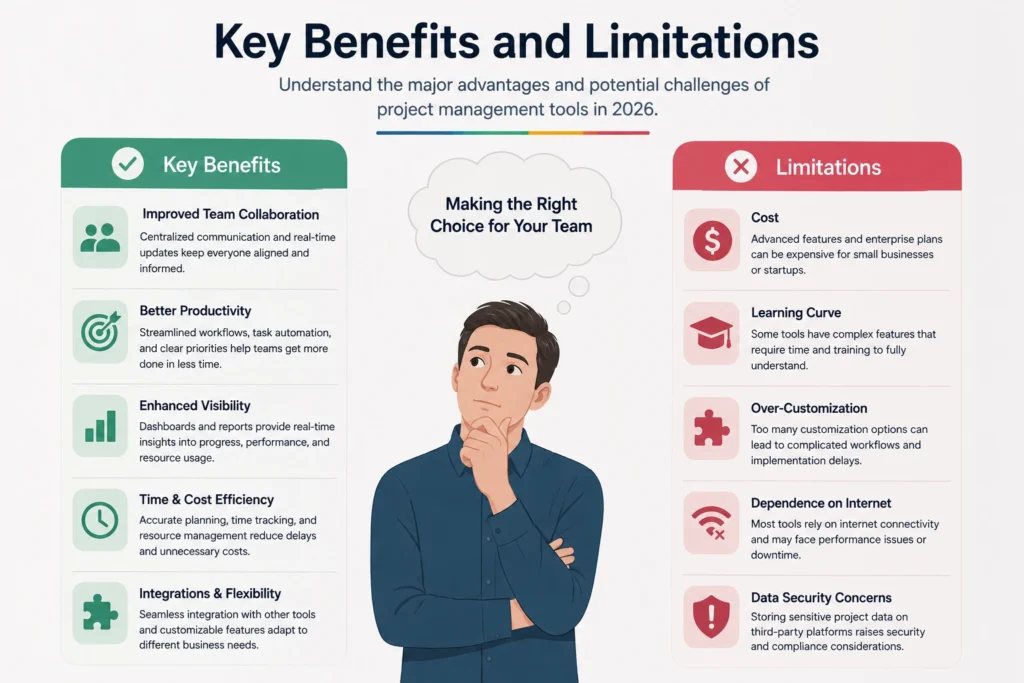
Modern project management tools improve collaboration, increase visibility, automate repetitive work, and help teams deliver projects more efficiently. Features like real-time reporting, shared workspaces, and AI-powered assistance can significantly boost productivity while reducing manual effort. However, not every platform is suitable for every business. Some tools require extensive setup, advanced training, or higher subscription costs. Evaluating both the advantages and potential limitations before making a decision ensures you select software that matches your team’s requirements rather than simply choosing the most popular option.
💚 You might also like: Acamento: Modern Workflow & Team Management Platform (2026)
Essential Features of a Project Management Tool
The best project management software goes beyond simple task lists by providing tools that improve planning, collaboration, and decision-making. Essential features should include task management, workflow automation, real-time communication, customizable dashboards, reporting, and integration with popular business applications. AI-powered capabilities have also become increasingly important, helping teams automate repetitive tasks, summarize updates, and prioritize workloads. Choosing software with these core features ensures your team can work more efficiently, adapt to changing project requirements, and maintain visibility across every stage of project execution.
Task & Workflow Management
Effective task management allows teams to assign responsibilities, set deadlines, monitor progress, and organize work through lists, boards, or timelines. Custom workflows help standardize processes, reduce bottlenecks, and ensure projects move forward smoothly, regardless of team size or industry.
Team Collaboration
Strong collaboration features keep everyone aligned through shared workspaces, file sharing, comments, mentions, and real-time updates. Centralized communication reduces misunderstandings, improves accountability, and allows distributed teams to work together efficiently from any location.
AI Automation
AI-powered automation saves valuable time by handling repetitive tasks such as assigning work, generating summaries, creating reports, and sending reminders. These intelligent features allow project managers to focus on planning, decision-making, and delivering successful outcomes instead of routine administrative work.
Reporting & Integrations
Comprehensive reporting provides real-time insights into project performance, team productivity, budgets, and deadlines. Seamless integrations with platforms like Slack, Microsoft Teams, Google Workspace, GitHub, and CRM systems help create a connected workflow without constantly switching between multiple applications.
Choosing the Right Project Management Tool
The ideal project management platform depends on your business goals, team size, workflow complexity, and available budget. Small businesses often prioritize affordability and ease of use, while larger organizations require advanced reporting, security, automation, and scalability. Consider factors such as integrations, customization options, AI capabilities, customer support, and long-term growth before making your decision. Testing free trials or demo versions is one of the most effective ways to evaluate whether a platform fits your team’s daily operations and future business needs.
Free vs Paid Project Management Software
Free project management tools are an excellent starting point for individuals, freelancers, and small teams with basic collaboration needs. They typically include task management, shared workspaces, and limited integrations. Paid plans unlock advanced features such as workflow automation, AI assistance, detailed reporting, security controls, larger storage limits, and premium customer support. As your organization grows, investing in a paid solution often delivers greater productivity, better collaboration, and improved project visibility, making it a worthwhile long-term investment.
Project Management Trends in 2026
Project management software continues to evolve as artificial intelligence, automation, and predictive analytics reshape how teams plan and execute projects. AI assistants now generate task summaries, recommend priorities, and automate routine workflows, while real-time collaboration tools support increasingly remote and hybrid workforces. Low-code customization, stronger cybersecurity, and deeper integrations with business applications are also becoming standard features. Organizations that embrace these innovations can improve efficiency, reduce manual work, and respond more quickly to changing business demands.
Frequently Asked Questions
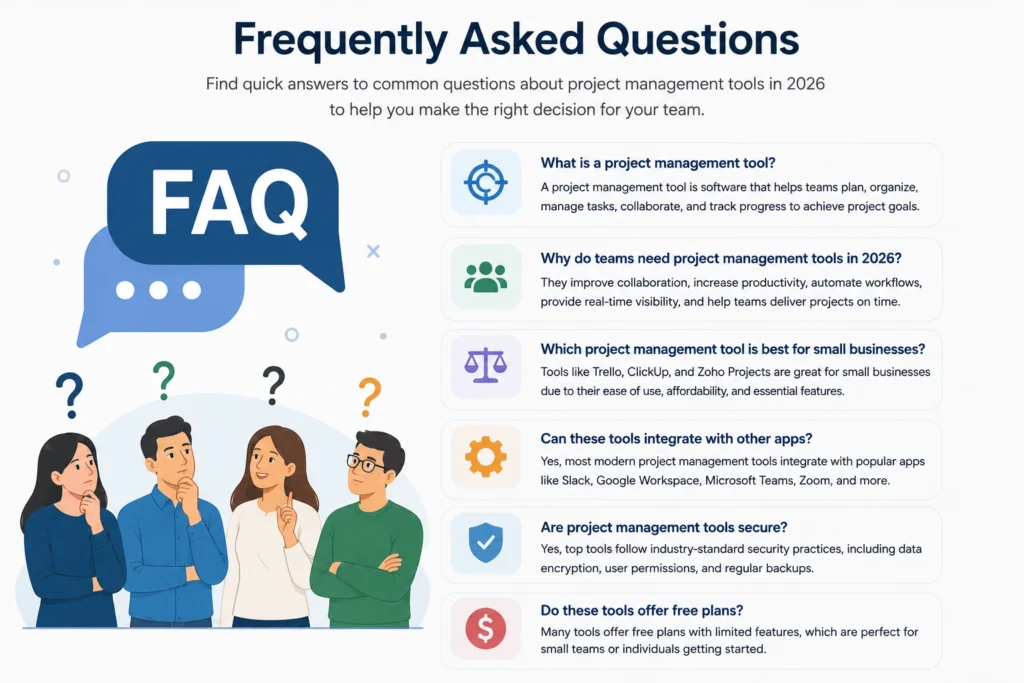
Which project management tool is considered the best in 2026?
ClickUp is widely regarded as one of the best all-around project management tools because it combines task management, collaboration, automation, AI features, and reporting within a single platform suitable for teams of all sizes.
Which project management software is best for small businesses?
Zoho Projects, Trello, and ClickUp are excellent choices for small businesses thanks to their affordable pricing, intuitive interfaces, and scalable features that support growing teams.
Are there free project management tools available?
Yes. Several platforms, including ClickUp, Trello, Asana, and Notion, offer free plans with essential project management features, making them suitable for individuals and small teams.
Which tool is best for software development teams?
Jira remains the preferred solution for software development teams because it supports Agile methodologies, sprint planning, issue tracking, and advanced project customization.
What should I consider when choosing the right project management software?
Evaluate your team size, workflow requirements, budget, integration needs, scalability, and desired features. Testing multiple platforms through free trials can help identify the solution that best matches your business goals.
Conclusion
Choosing the best project management tool in 2026 depends on how your team works, the complexity of your projects, and your long-term business objectives. While platforms like ClickUp and Monday.com provide flexible all-in-one solutions, Jira excels for development teams, and Trello remains ideal for simple project tracking. By comparing features, pricing, integrations, and scalability, you can confidently invest in software that improves collaboration, streamlines workflows, and supports sustainable business growth for years to come.
✨ Want bite-sized tech wisdom? Follow Tech Baaz.